1
Garage Shelf B1
Label ID LU-203
Create a label
Make a label for a box, tote, bin, shelf, drawer, or any storage spot you use.
LabelUp lets you organize your stuff with QR codes so you can find anything instantly.
Spend less time looking. More time doing.
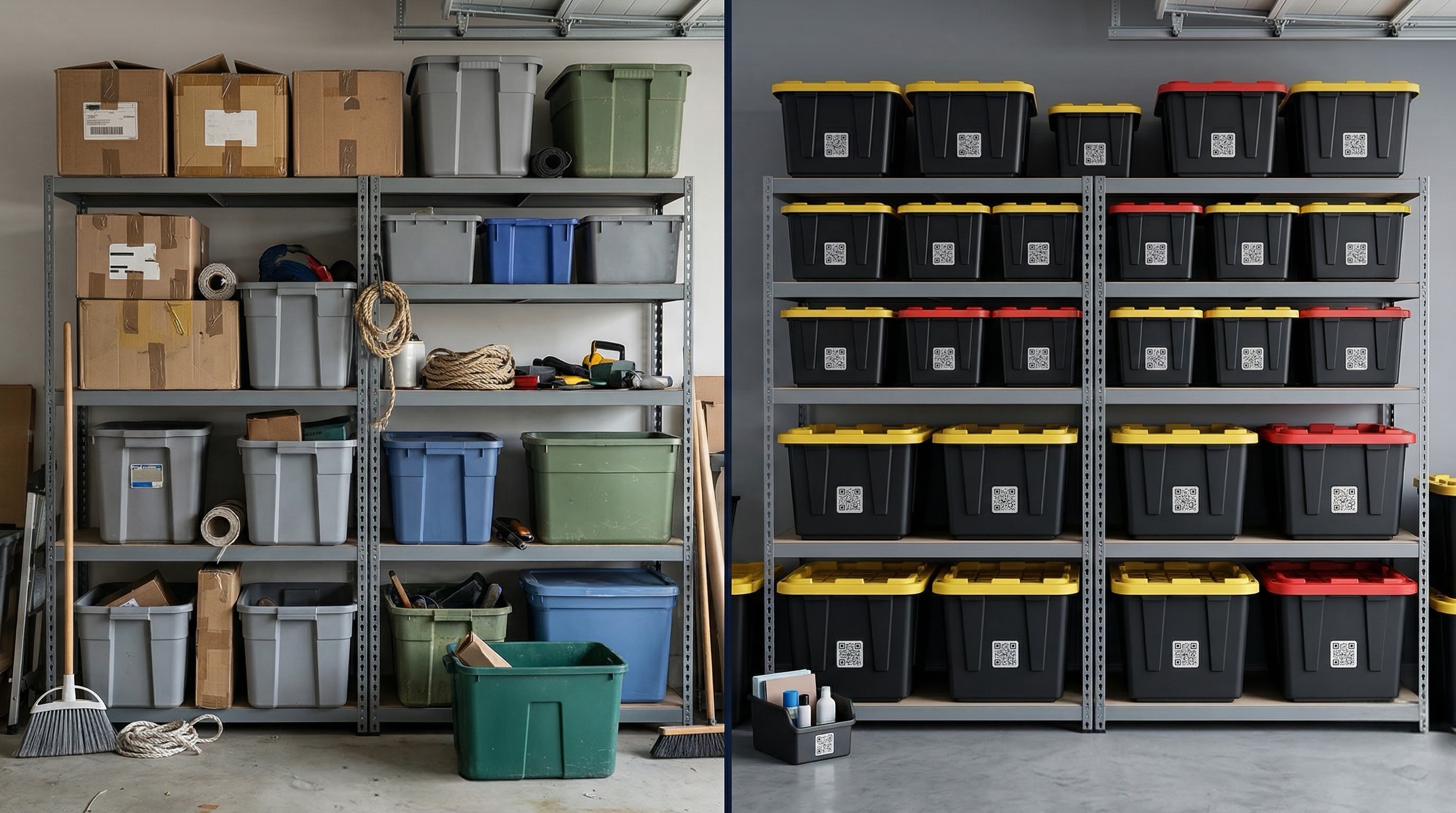
Build labels for the places you store things, keep the item list attached, and scan when you need the answer fast.
Make a label for a box, tote, bin, shelf, drawer, or any storage spot you use.
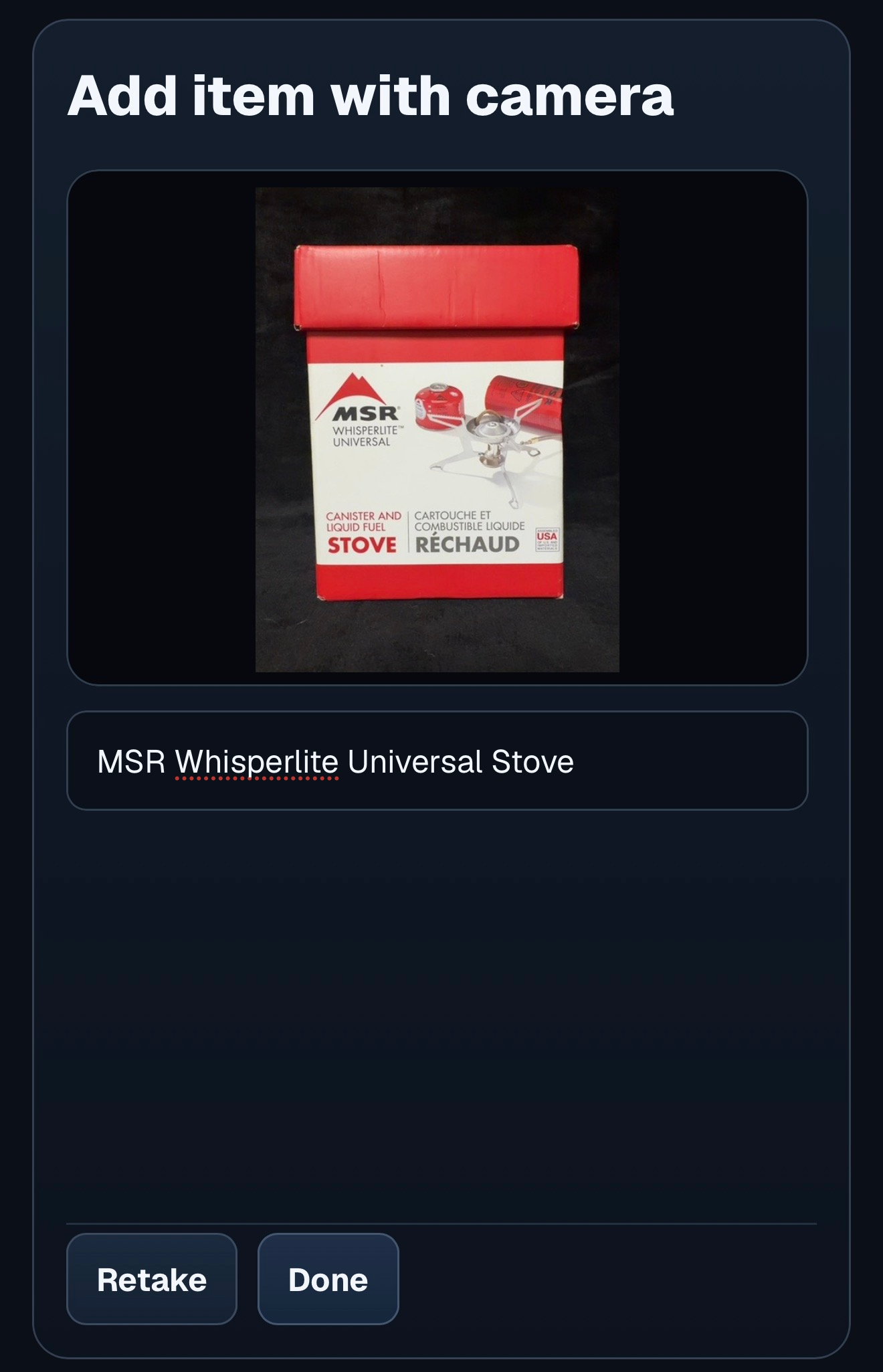
Add items by typing them in or using your camera, so building a label is faster when you already have the item in front of you.
Scan the label whenever you need to see the items inside without digging first.
Search for an item and LabelUp shows which labeled tote, box, bin, shelf, drawer, or storage spot contains it.
Add LabelUp to your home screen for faster access when you are in the garage, closet, basement, or storage unit.
Use LabelUp like an app on iOS for quicker scans and easier return visits.
Install it from Chrome so LabelUp stays handy while you move through storage.
No credit card required
or $49.99/year
Open labels, add items faster, search what you stored, manage spaces, and print QR labels for the spots you actually use.
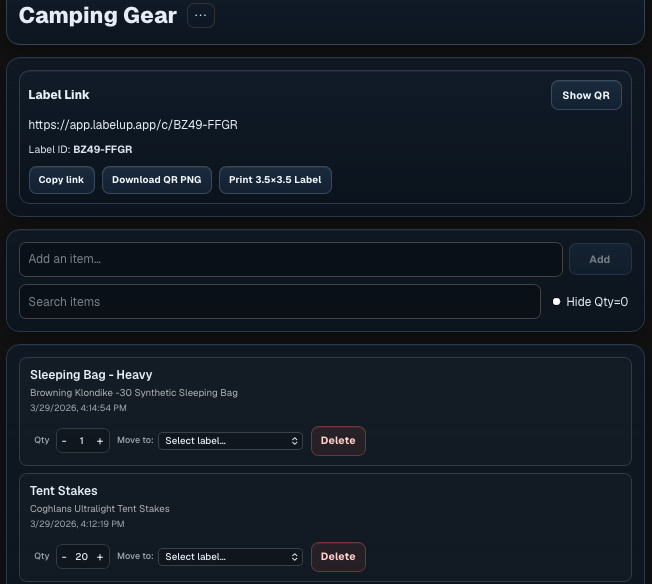
See the label, QR actions, and connected item list together in one place.
Add what you have in front of you quickly, whether you type it in or use your camera.
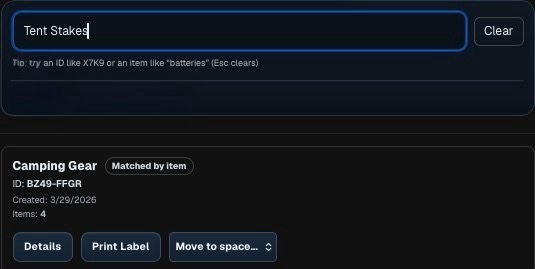
Look up an item and jump straight to the matching labeled storage spot.
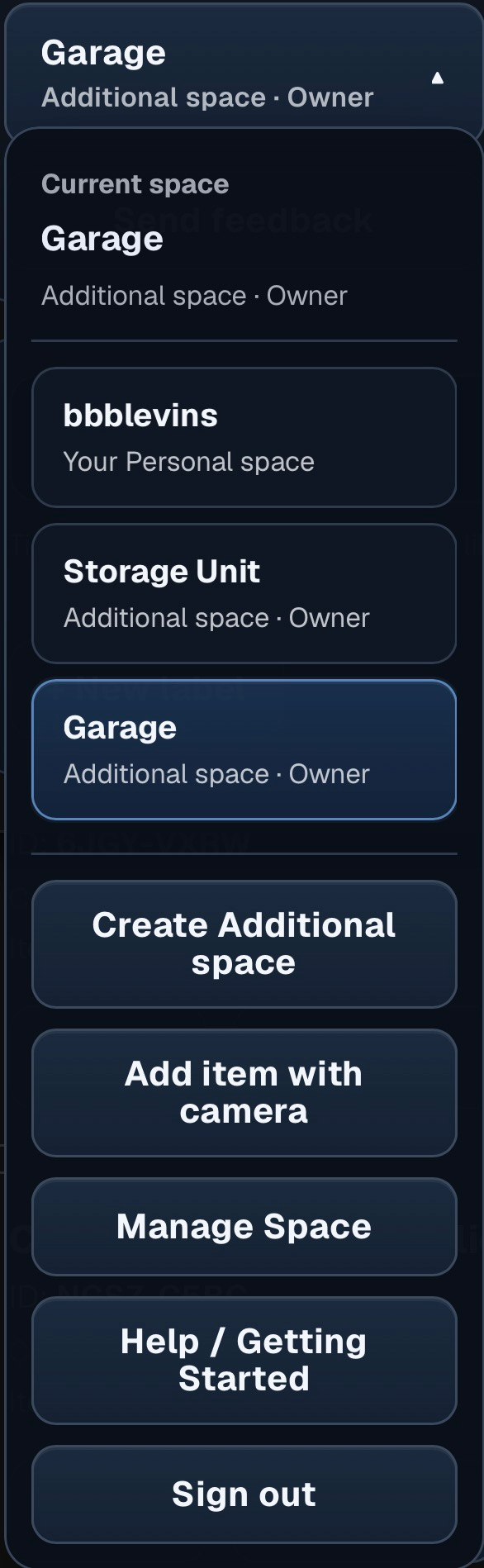
Open the main controls for your storage spaces and jump into the action you need.
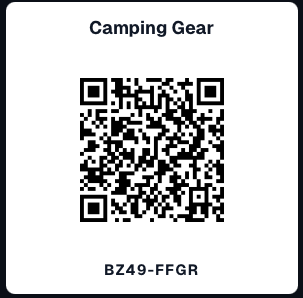
Print QR labels for bins, boxes, shelves, and totes.
LabelUp gives your storage a clear system, so the next scan gets you to the right items faster.
Try LabelUp today